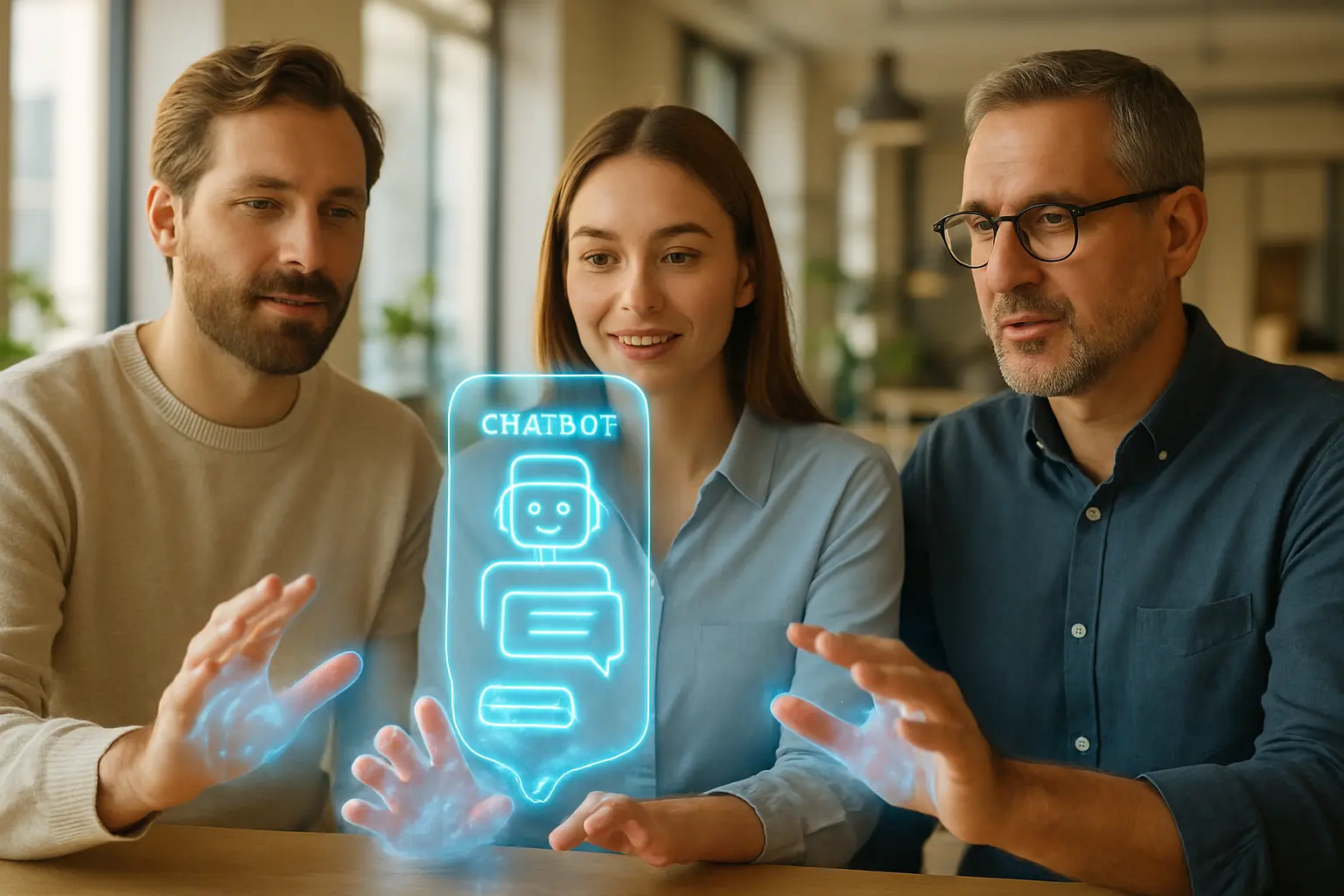
In the digital landscape, first impressions are everything. A visitor arrives on your website, full of intent, looking for a solution. Too often, they are met by a generic, one-size-fits-all chatbot that asks the same robotic question: „How can I help you today?” This approach is the digital equivalent of a shopkeeper ignoring a customer who is intently studying a specific product, only to ask them if they need help finding the entrance. It’s not just unhelpful; it’s a missed opportunity. The future of customer engagement isn’t about having a chatbot; it’s about having a smart one. It’s about creating conversations that feel personal, relevant, and effortless.
The challenge, however, is achieving this personalization without creating friction. In an era of heightened awareness around data privacy, users are wary of experiences that feel intrusive or overly demanding. Asking a new visitor to fill out a lengthy form before they can even ask a question is a guaranteed way to increase your bounce rate. True personalization is subtle. It leverages the context of the user’s journey to provide immediate value, making them feel understood rather than interrogated. This guide explores how to use powerful contextual clues—like the page they’re on, where they came from, and their past interactions—to transform your chatbot from a simple Q&A tool into a dynamic, friction-free conversion engine.
Table of Contents:
- The Foundation: Understanding Frictionless Personalization
- Leveraging On-Site Behavior for Smarter Conversations
- Using Off-Site Data for a Seamless Welcome
The Foundation: Understanding Frictionless Personalization
Before diving into specific tactics, it’s crucial to establish a framework. Frictionless personalization is not about collecting as much data as possible. It’s about using the right data, at the right time, to make the user’s journey smoother. The goal is to anticipate needs and provide answers before the user even has to fully formulate the question. This proactive assistance builds trust and demonstrates that your brand is genuinely invested in helping them succeed. It shifts the dynamic from a reactive, transactional exchange to a proactive, relationship-building conversation.
What is Visitor Context?
Visitor context is the collection of implicit and explicit signals a user provides during their digital journey. It’s the story of their visit, and a smart chatbot is an expert at reading it. By understanding this story, the bot can tailor its responses to be hyper-relevant. We can break down this context into four primary categories:
- Geographic and Technographic Data: This includes basic information like the user’s location, device type, and browser. For example, a chatbot could offer shipping information relevant to the user’s country or provide instructions specific to an iOS or Android device.
- Behavioral Data (On-Site): This is the most potent source of context. It includes the current page the visitor is viewing, the pages they’ve visited in the past, the time spent on each page, and any actions they’ve taken, such as adding an item to a cart.
- Source Data (Off-Site): This tells you how the visitor arrived on your website. Did they click on a specific Google Ad? Come from a LinkedIn post? Or click a link in a promotional email? This initial touchpoint is a massive clue about their intent.
- Declared Data: This is information the user explicitly provides, either by answering a direct question from the chatbot („What is your biggest business challenge?”) or by filling out a form on your site.
By combining these elements, a chatbot can move beyond generic greetings and engage in meaningful, context-aware dialogues that accelerate the customer journey.
The Privacy-First Approach to Personalization
In today’s climate, personalization and privacy must go hand-in-hand. Consumers are rightly concerned about how their data is being used. A frictionless experience is, by definition, one that respects user privacy and doesn’t create anxiety. The key is to rely on non-invasive, first-party data that is directly related to the user’s current interaction with your brand.
„The best personalization feels like helpful intuition, not invasive surveillance. It uses the information the user is already implicitly offering through their behavior to guide them, building trust rather than eroding it.”
This means prioritizing contextual clues like the current page URL and traffic source over more sensitive personal data. The goal is not to know who the user is, but what they want to achieve right now. This approach is not only ethical but also more effective. It respects regulations like GDPR and CCPA while still delivering the relevant, helpful experiences that users crave. When users feel respected, they are more likely to engage and convert.

Leveraging On-Site Behavior for Smarter Conversations
What a visitor does on your website is the strongest indicator of their intent. By paying close attention to their digital body language—the pages they visit, the content they consume—your chatbot can become an incredibly effective guide. This is where personalization moves from a theoretical concept to a practical tool for driving business results.
Page Context: The Most Powerful Signal
The single most important piece of information for personalizing a chatbot interaction is the URL the user is currently on. A generic „How can I help?” is a wasted opportunity on a high-intent page. By customizing the chatbot’s opening message based on the page content, you can immediately align with the visitor’s mindset.
- On a Pricing Page: This is a bottom-of-the-funnel page. The user is actively evaluating your solution. A generic chatbot is useless here. Instead, it should proactively engage with a message like, „Choosing the right plan can be tricky. Would you like me to help compare the features of our Pro and Enterprise plans?” This directly addresses the user’s likely goal.
- On a Specific Product/Service Page: The visitor is showing interest in a particular offering. The chatbot should become a product specialist. For instance, „I see you’re looking at our CRM integration feature. Do you have any questions about how it syncs with Salesforce, or would you like to see a quick demo video?”
- On a Case Study or 'Customers’ Page: The user is looking for social proof. The chatbot can facilitate this by saying, „It’s great you’re checking out how companies in the [Industry Name] use our platform. Can I help you find a case study that’s most relevant to your business size?”
- On a Blog Post: A visitor reading an article titled „10 Ways to Improve Lead Generation” is clearly interested in that topic. The chatbot can offer a relevant content upgrade, such as, „Enjoying the article? I can send you our complete 'Lead Generation Toolkit’ ebook. Just let me know where to send it.”
Implementing this level of page-specific targeting requires a sophisticated tool. An advanced platform like Chatbot360 allows you to easily create unique conversation flows and triggers for different URLs or URL patterns, ensuring every interaction is perfectly timed and relevant.
From Returning Visitor to Valued Customer
Recognizing a returning visitor is a simple yet powerful way to personalize their experience. It shows that you remember them and value their continued interest. This doesn’t need to be complex or invasive. Simple cookie-based recognition can make a world of difference. When a visitor returns, the chatbot can pick up where they left off.
Consider these scenarios:
- Continuing a Previous Conversation: „Welcome back! When we last spoke, you had questions about our API documentation. Did you find what you were looking for, or can I help further?”
- Referencing Past Behavior: „Welcome back! Last time, you spent some time on our Enterprise plan page. Are you interested in scheduling a call with one of our specialists to discuss your specific needs?”
- Acknowledging Cart Items: For e-commerce sites, this is crucial. „Hey, welcome back! It looks like you still have the 'Premium Widget X’ in your cart. Would you like to complete your purchase now?”
The key is to be helpful, not creepy. Mentioning the general area of interest is great; reciting their entire click history is not. This simple act of recognition makes the interaction feel more like a continuing relationship than a series of disconnected, anonymous transactions. It’s a core function of systems designed for customer lifecycle management, and a powerful chatbot should be no different. This continuity is a hallmark of intelligent automation platforms like Chatbot360.
Using Off-Site Data for a Seamless Welcome
A visitor’s journey doesn’t start on your website; it starts wherever they discovered you. Understanding that starting point—the „how”—is essential for crafting the perfect welcome. By tailoring the initial chatbot interaction based on the traffic source, you create a seamless transition and validate the user’s decision to click, reinforcing the message that brought them to your site in the first place.
Traffic Source: Tailoring the First Impression
The referral source provides invaluable insight into a visitor’s immediate expectations. UTM parameters, which are tags added to a URL, can tell your chatbot precisely which campaign, ad, or link the user clicked. This allows you to create a perfectly harmonized experience.
- From a Google Ad for „Chatbot for Sales”: Don’t greet them with a generic message. The chatbot should open with, „Looking to boost your sales with a chatbot? You’re in the right place. I can show you how our platform helps qualify leads and book meetings 24/7. Would you like to see a demo?”
- From an Email Campaign Promoting a New Feature: The user is already warm and has context. The bot should reflect this: „Thanks for checking out our new Analytics Dashboard! Are you interested in a guided tour of its key features, or would you prefer to read the documentation?”
- From a LinkedIn Post About a Webinar: The user is interested in educational content. The bot could say, „Here to learn more about the webinar on AI in marketing? You can register right here in the chat, or I can answer any questions you have about the topics we’ll be covering.”
- From an Organic Search for a Competitor Alternative: This is a high-intent user looking for a comparison. The chatbot can be direct and helpful: „I see you’re looking for an alternative to [Competitor Name]. I can pull up a feature-by-feature comparison chart for you. Would that be helpful?”
This strategy aligns the chatbot’s opening with the promise made by the source link, creating a consistent and trustworthy user experience. It shows the visitor that you understand their journey and are prepared to meet their specific needs. Leading platforms, including Chatbot360, can easily read UTM parameters to trigger these highly specific and effective conversation starters.
Declared Needs: Personalization Through Direct Input
While implicit context is powerful, we should never forget the most straightforward method of personalization: simply asking. However, the key to doing this without friction is to make it quick, easy, and value-driven. Instead of a long form, use simple, button-based questions at the start of a chat to segment users and tailor the rest of the conversation.
This is known as gathering „declared needs.” The user explicitly tells you who they are or what they want. For example, a B2B SaaS website’s chatbot might start with:
„Welcome! To help me direct you to the right place, could you let me know what best describes you?”
- [ I’m in Sales ]
- [ I’m in Marketing ]
- [ I’m a Developer ]
- [ Just Browsing ]
Based on their selection, the entire conversation tree can change. The sales professional is shown case studies on lead qualification, the marketer is offered guides on campaign automation, and the developer is directed straight to API documentation. This is far more efficient than making the user navigate your site or ask multiple questions to find the right information. You get them to the value faster.
This approach combines the best of both worlds: it’s a direct, zero-party data collection method that immediately provides a more personalized experience. It respects the user’s time and empowers them to guide the conversation. A well-designed system like Chatbot360 can use this initial input to dynamically alter conversation paths, ensuring every user gets the most relevant information possible.
In conclusion, personalizing the chatbot experience doesn’t have to be a source of friction. By moving away from invasive data collection and focusing on the rich, implicit context provided by a user’s on-site behavior and traffic source, you can create conversations that are not only more effective but also build trust. By understanding the page they’re on, remembering their previous visits, and acknowledging how they arrived, your chatbot can transform from a simple tool into an intelligent digital assistant. It’s about being smarter, not nosier, and delivering value at every step of the journey. The right technology makes this sophisticated level of personalization accessible and manageable, allowing you to build better customer relationships one conversation at a time. The tools like Chatbot360 can help you with that.
Ready to build a chatbot that truly understands your visitors? Contact us today to learn how we can help you implement a frictionless personalization strategy.
Dodaj komentarz